
Jenkins 설치
Download > (LTS) > macOS 선택 (하면 아래와 같이 설치 방법이 나온다!)

$ brew install jenkins-lts
$ brew services start jenkins-lts
$ brew services restart jenkins-lts
$ brew upgrade jenkins-lts
macOS Installers for Jenkins LTS
Jenkins – an open source automation server which enables developers around the world to reliably build, test, and deploy their software
www.jenkins.io
Jenkins 실행
설치 완료 후 다음 명령어를 통해 재실행 해준 후, 브라우저에서 http://localhost:8080/ 로 접속하여 젠킨스 홈에 접속한다.
$ brew services restart jenkins-lts초기 비밀 번호는 localhost 접속 후 화면에 나오는 명령어를 통해 확인 가능
$ cat {initialAdminPassword 경로}
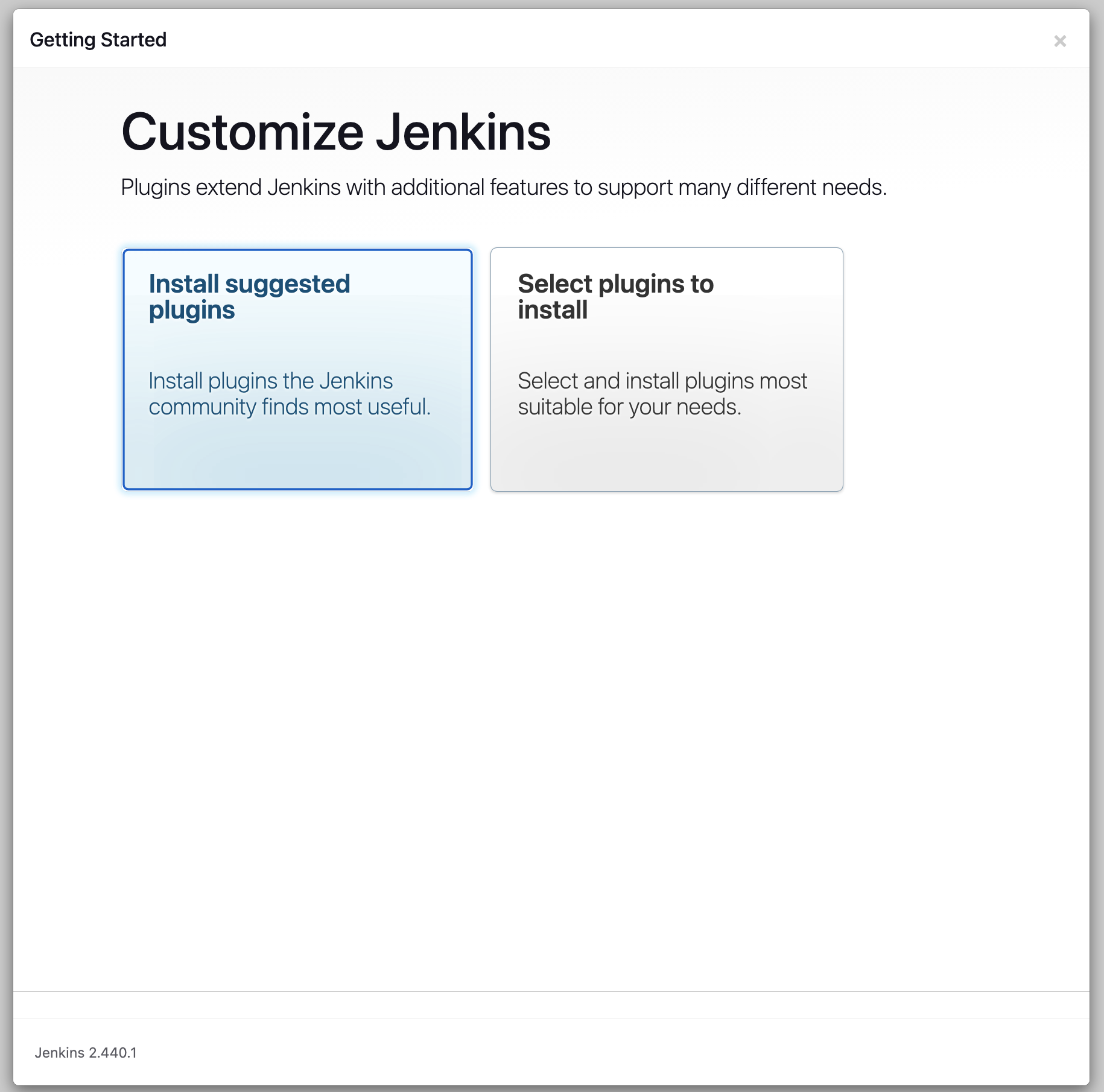
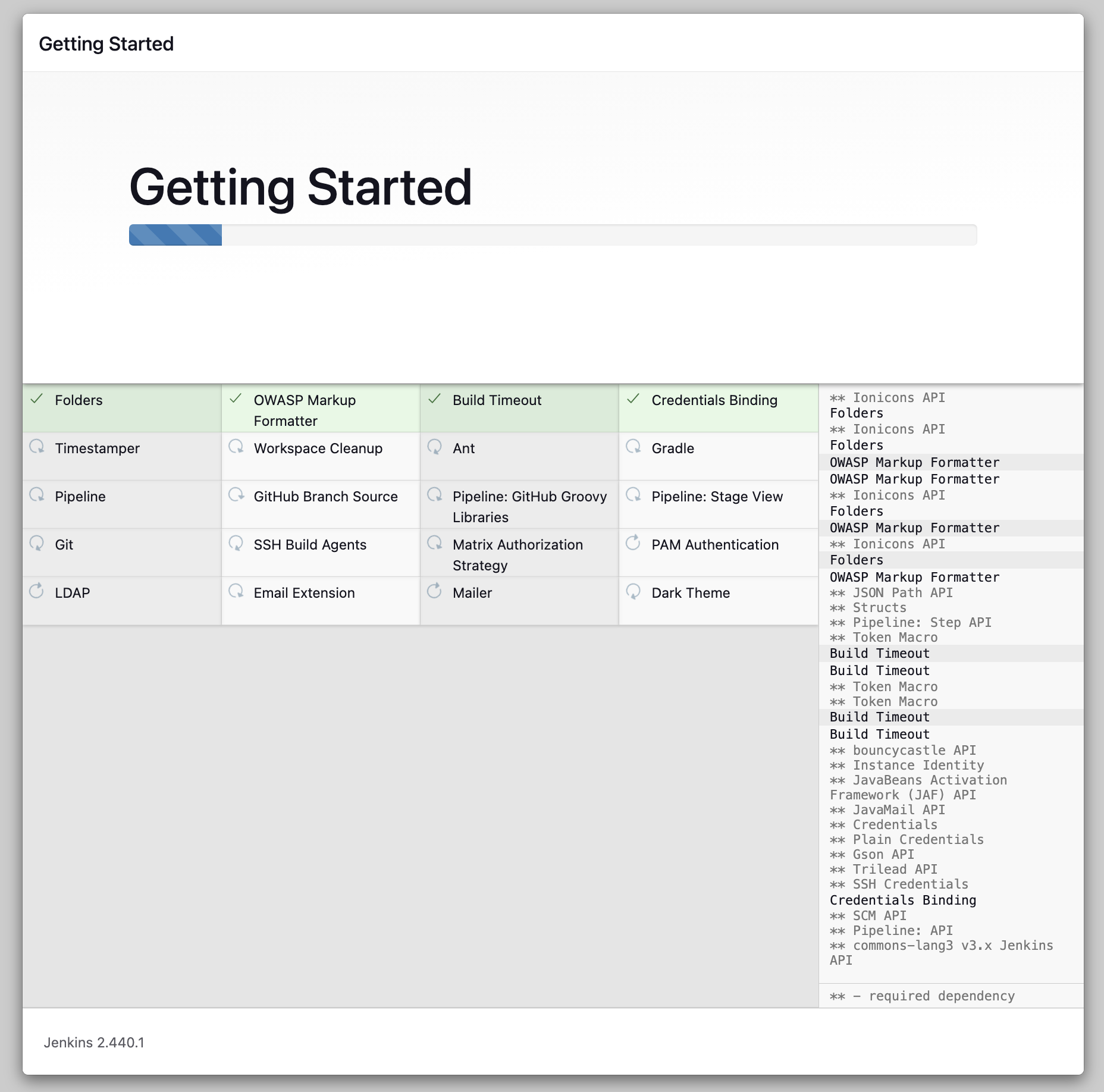
Plugins 설치
- Install suggested plugins 클릭
- 나중에 추가로 필요한 게 생기는 경우 별도로 설치해주면 된다!!
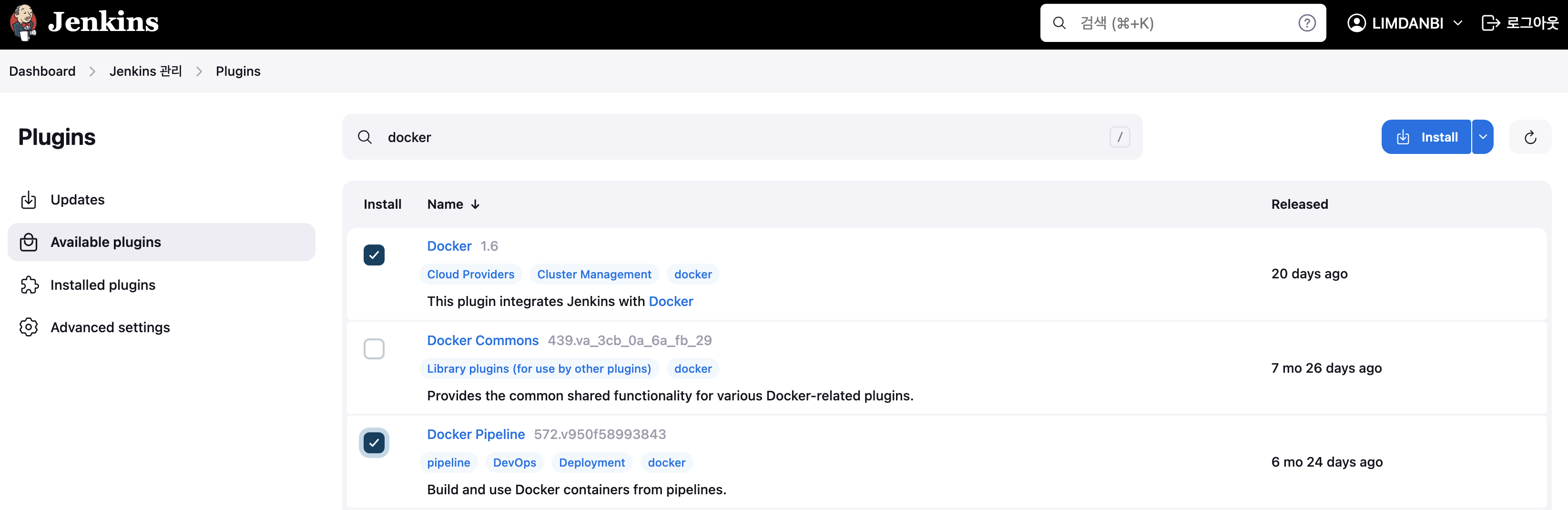
++ 이후 추가로 Docker 플러그인을 설치해주었다.
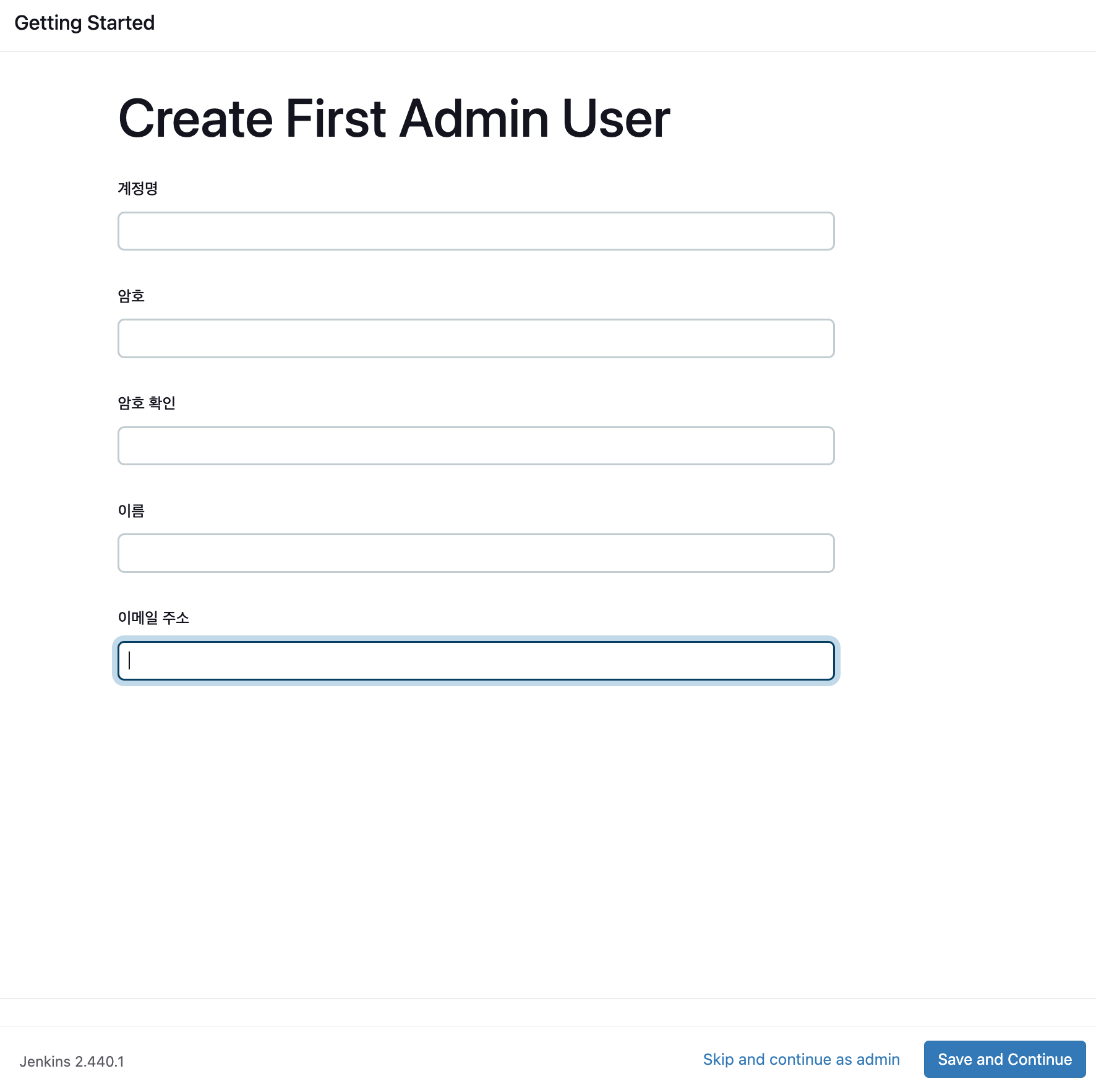
관리자 계정 정보, 사용할 젠킨스 주소 입력
관리자 계정 정보와 사용할 젠킨스 주소를 입력해주면 끝이다!!

'프로그래밍 > 개발 환경 구축' 카테고리의 다른 글
| [Highlight] VSCode에서 로그 파일 여러 키워드 하이라이팅하는 방법 (1) | 2026.01.22 |
|---|---|
| VS Code 원격 서버(Remote-SSH) 비밀번호 없이 접속하기 (0) | 2026.01.14 |
| Mac 이클립스 자동완성 설정 (0) | 2023.03.21 |
| java lombok 라이브러리 (0) | 2023.03.21 |
| mac MySQL, Workbench 설치 (0) | 2023.01.17 |